
Completion
Post-Flight Completion Prompts
A prompt appears after you land. Tap it and the actual times are confirmed while they're still fresh.
We track flights live, fill in times automatically, sync instantly, scan old logbooks with AI, and hold photos and signatures on every flight. The whole tour is below.
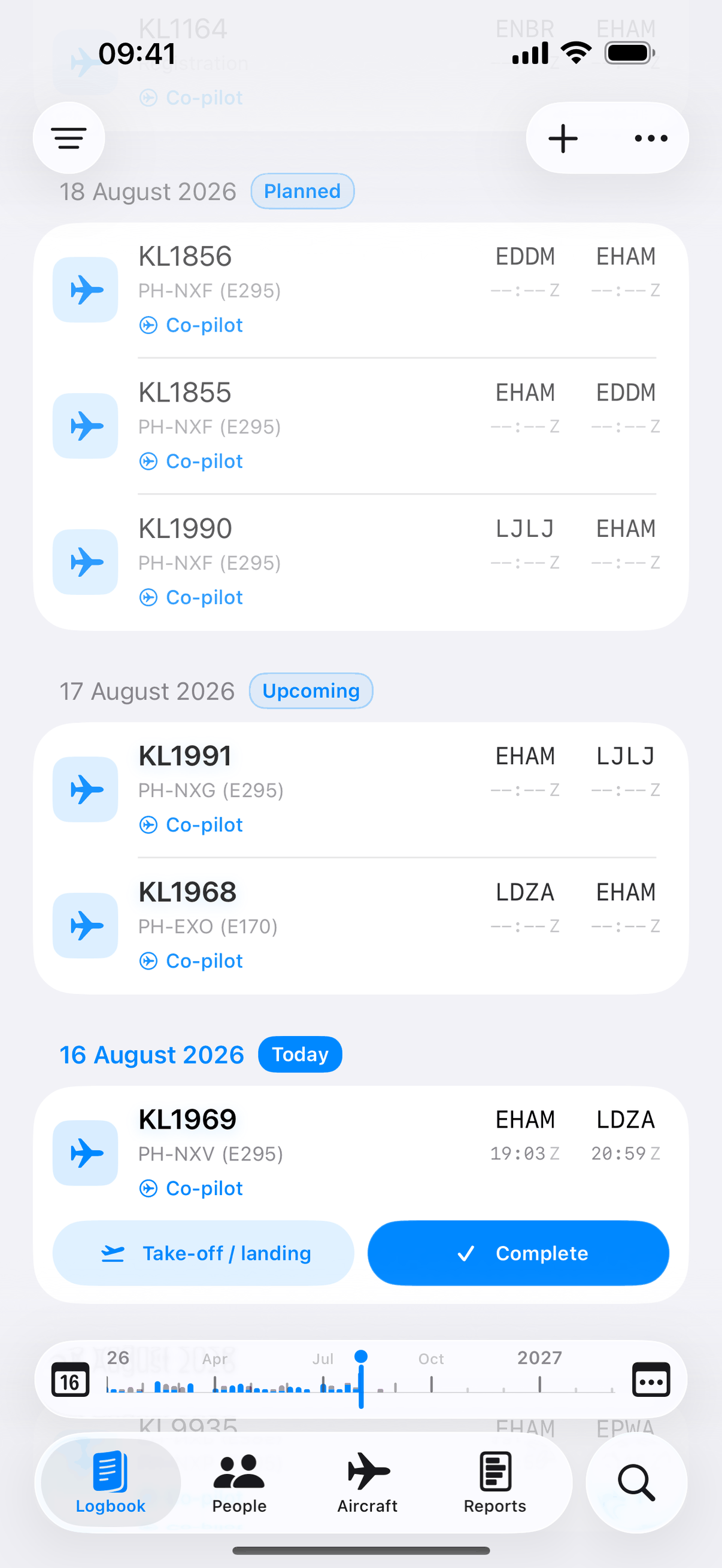
We open a departure card 90 minutes before scheduled off-blocks and track pushback to takeoff. An arrival card follows touchdown to on-blocks, then gives you a Complete button to confirm the times.
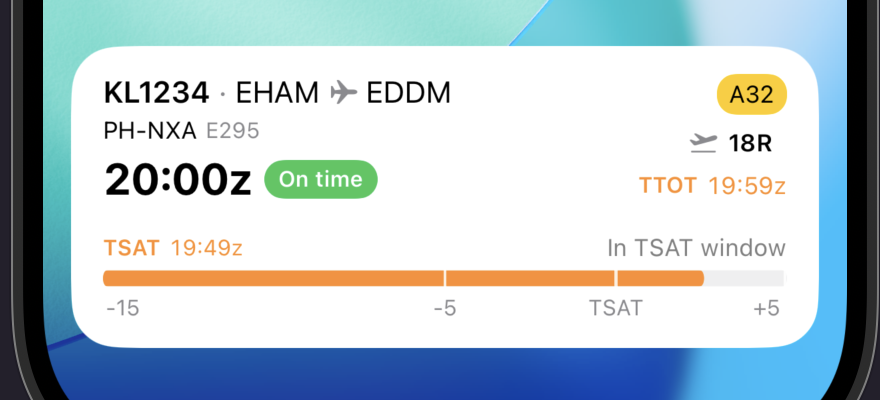
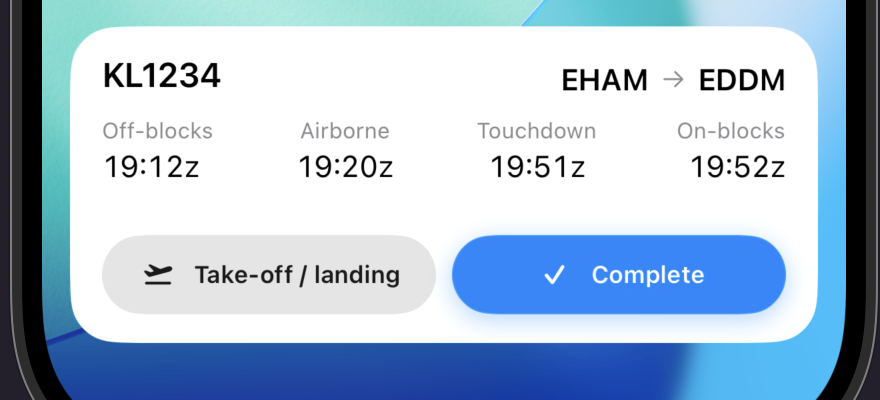
For flights logged close to their scheduled time, we check a global ADS-B network and fill in off-blocks, takeoff, landing and on-blocks, plus aircraft type and registration.
Ferry flights, training sectors and uncommon carriers sometimes don't match, and quality varies by region. When that happens, enter the times by hand. See the coverage board →
Log a flight on one device and we push it to your others right away.
Photograph old paper logbook pages, or drop in a PDF, and our AI pulls the flights out for you.
Scan credits are the only metered part of a Jetlog subscription. See how scan credits work →
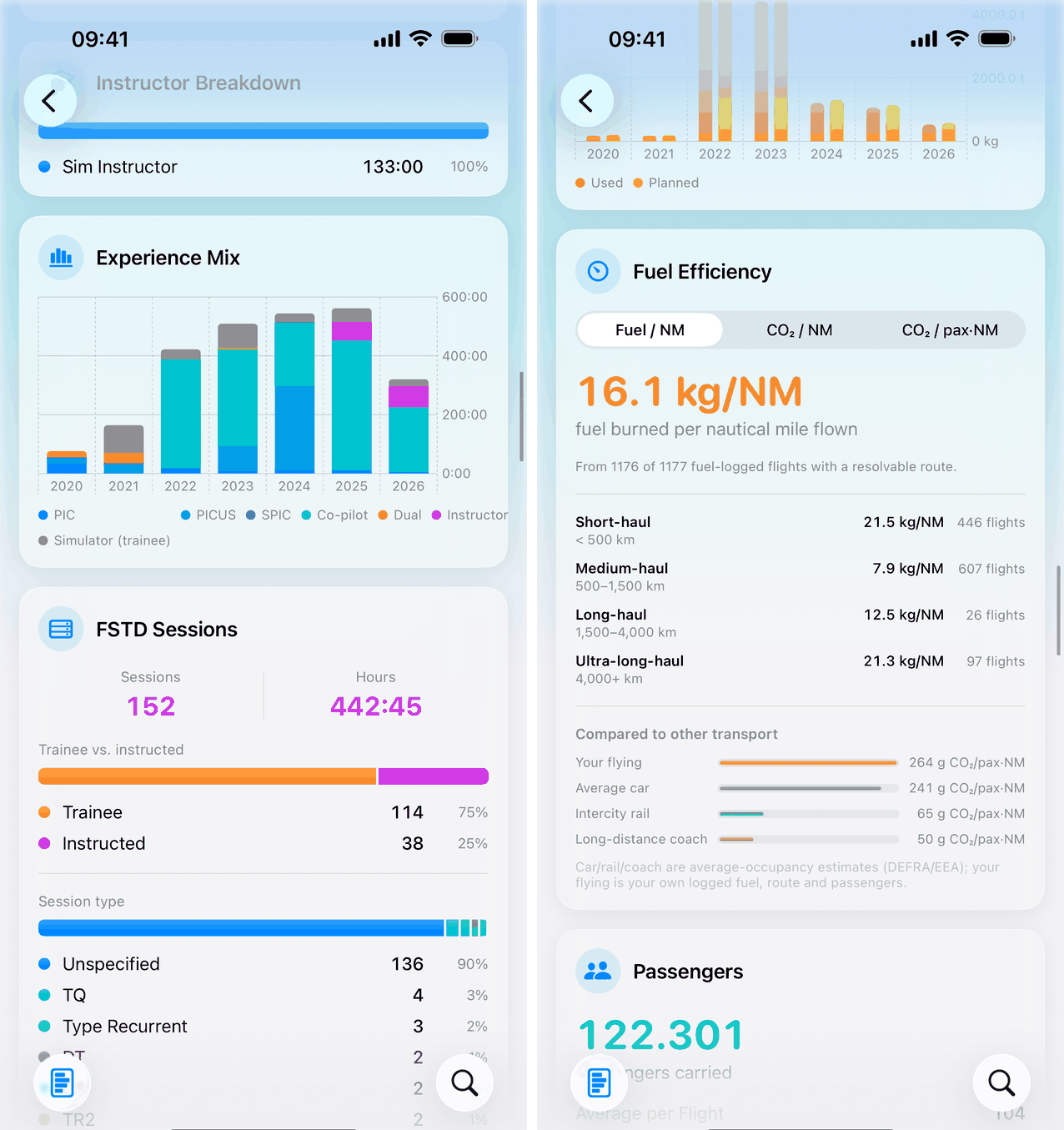
Every chart recomputes the moment a flight lands in your logbook. Filter by year or aircraft type and the numbers rebuild on their own, instead of a spreadsheet you update once a year.
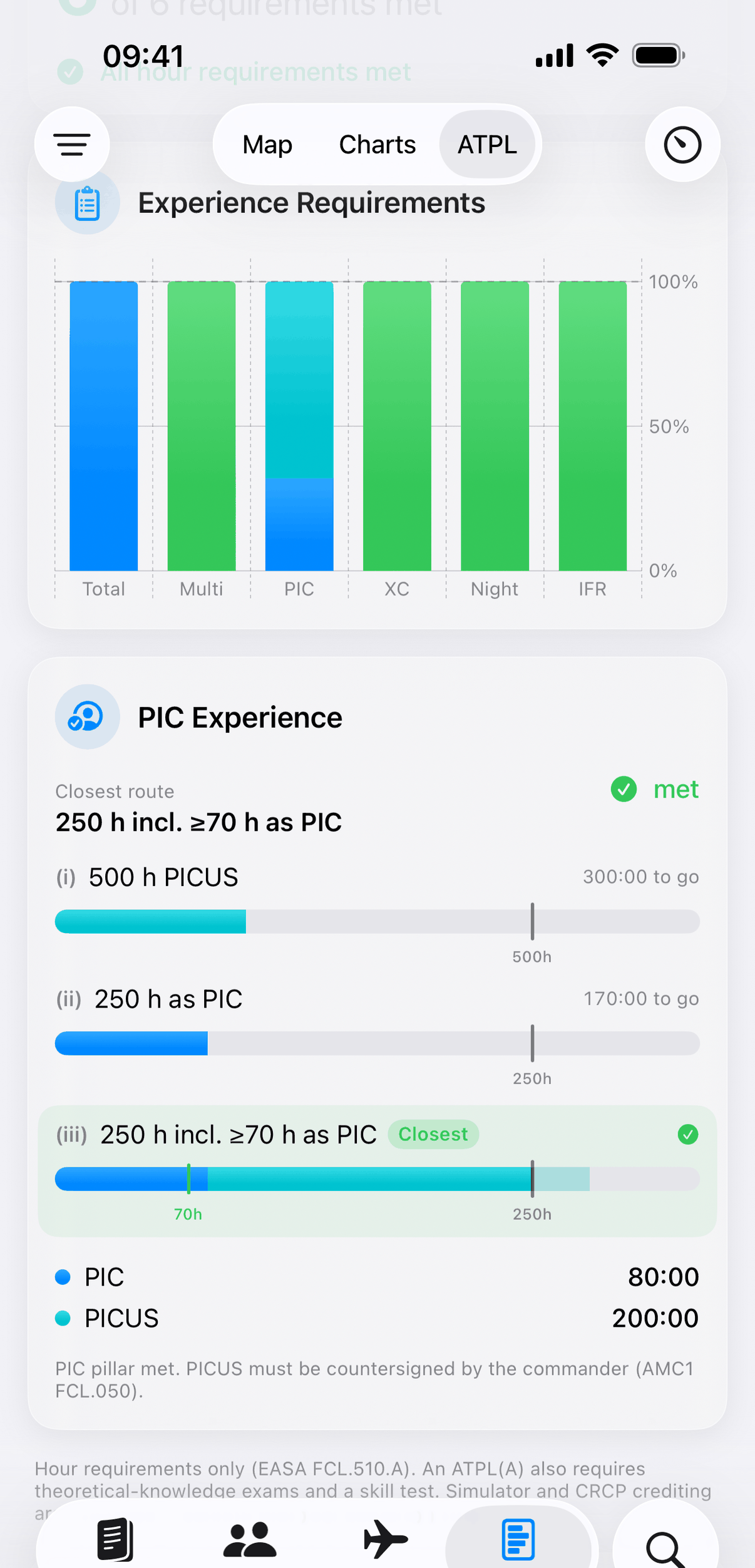
We track all three EASA command-experience routes of FCL.510.A as separate bars: 500 h PICUS, 250 h as PIC, or 250 h with at least 70 h as PIC. PICUS is credited the way Part-FCL specifies, and the 250-hour cruise-relief cap is applied so nothing reads "met" early. Only completed flights count.
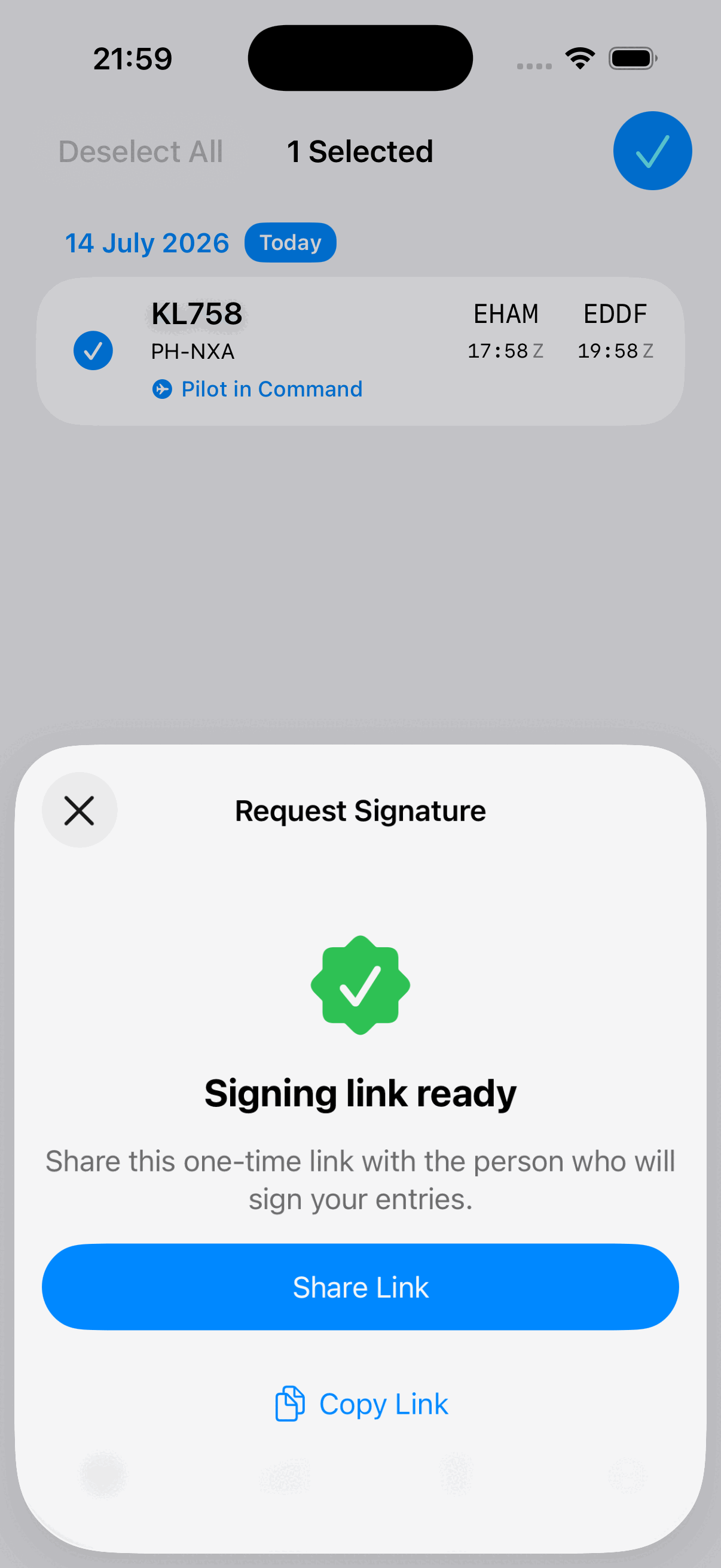
Send a one-time link for up to 100 entries. Your captain or examiner opens it in a browser and signs. They don't need an app or an account, and the link expires after 7 days. The signature syncs back into your logbook exactly like an in-app one.
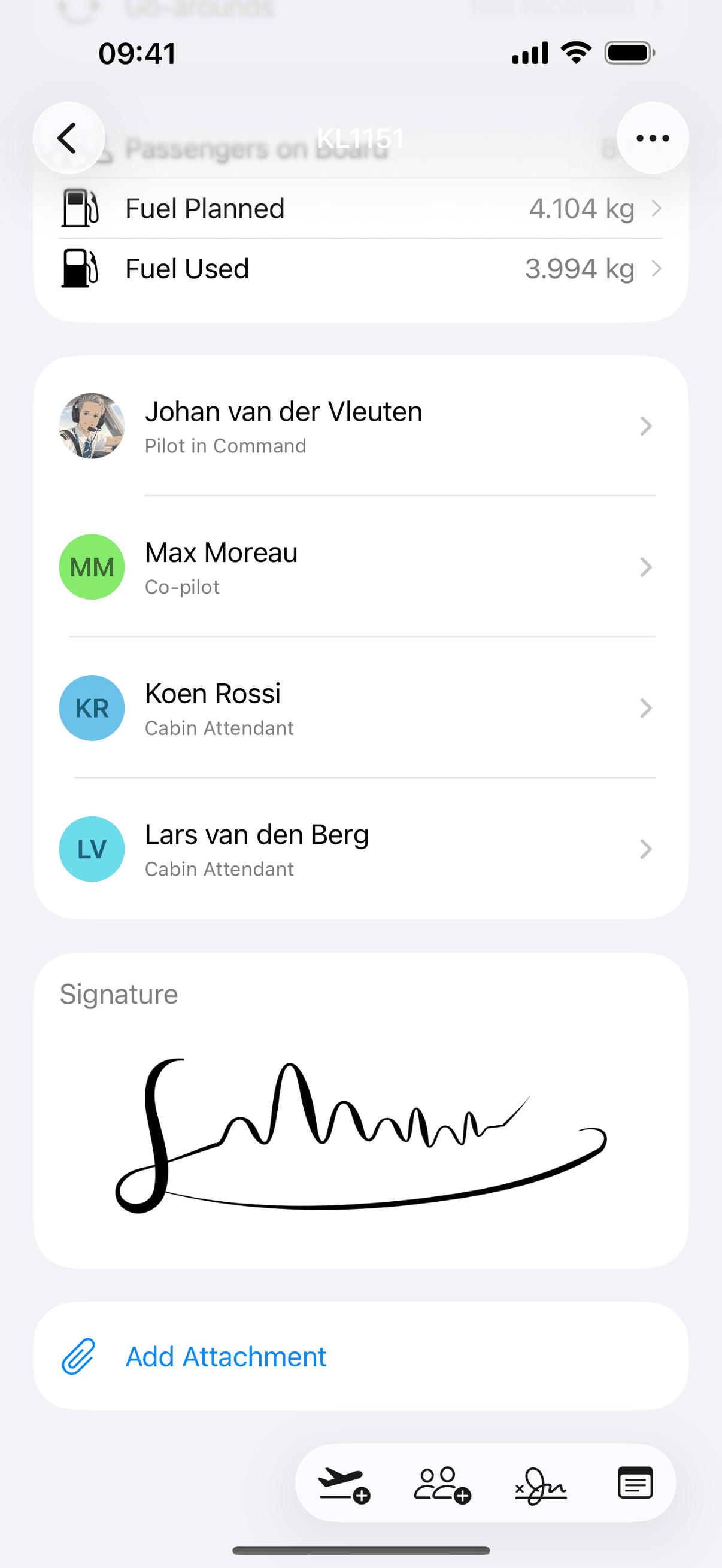
Approaches, go-arounds, passengers and fuel finally have a home on the flight, and the reports upstairs chart every one of them.
From your library, the camera or the Files app.
Private strips, glider fields, heliports. If you fly there, it belongs in your logbook.
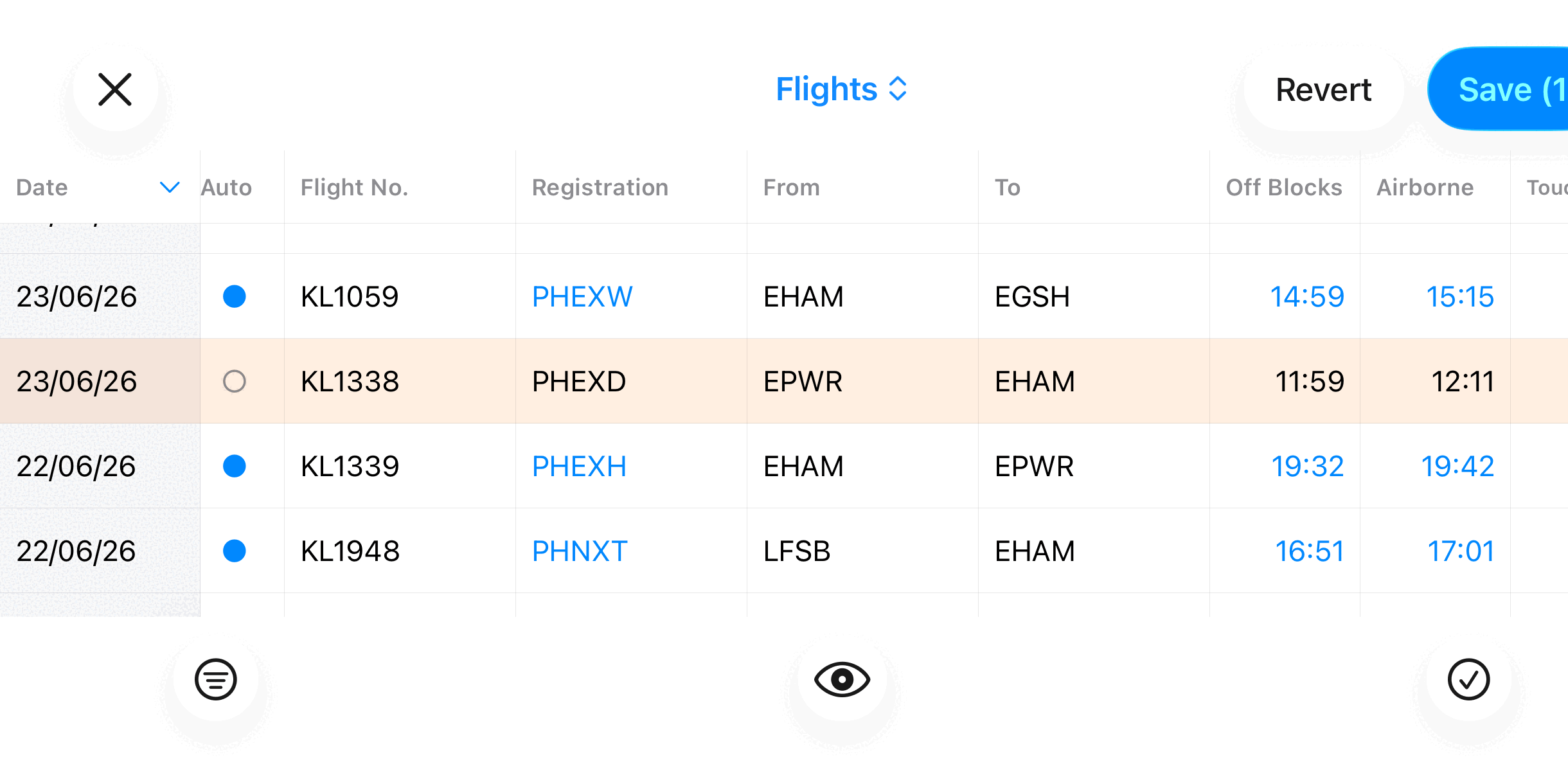
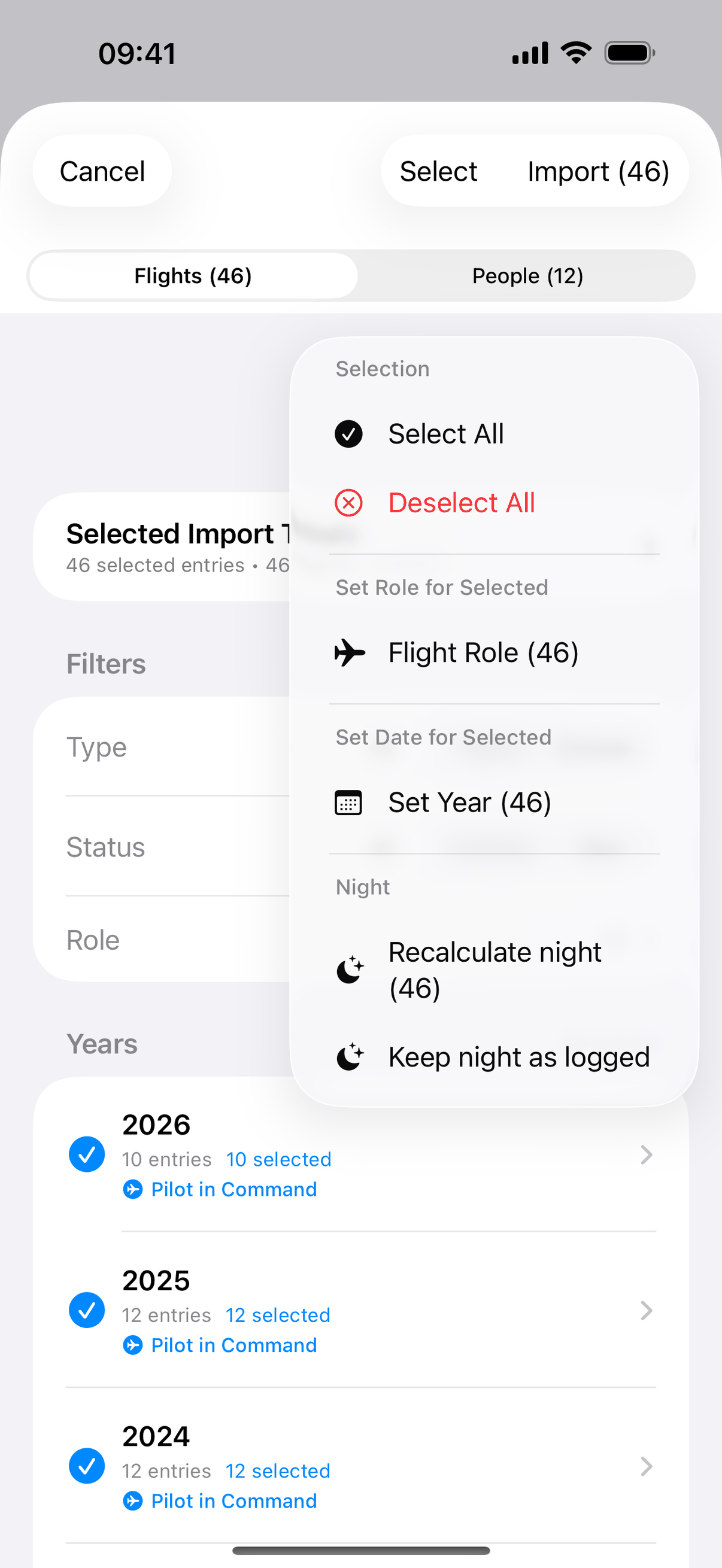
Filter to any set of flights, paste in a crew, auto-fill takeoffs and landings, then export it. Search answers from the first keystroke: flights, people, aircraft, airports, even the flights you flew with a crew member, by name. The month scrubber jumps to the week you need.
CSV, Excel, LogTen Pro, CrewLounge PilotLog, a KLM/KLC statement PDF, or just a photo for AI to read. Missing takeoffs and landings backfill automatically, planned routes and scheduled times survive a full Excel round trip, and re-importing the same file never duplicates a flight.
Smaller things we handle so you don't have to think about them.
A prompt appears after you land. Tap it and the actual times are confirmed while they're still fresh.
A missing off-blocks or on-blocks time fills itself in from the nearest available data, so you don't have to re-enter it by hand.
Estimated or extrapolated times are flagged as such, so a guess never quietly passes as an actual.
A Diverted switch records where the flight really went, and a sector that crosses midnight resolves on its own: dates, sectors and hours all land where they should.
LPC/OPC, LOE and type-rating sessions log alongside real flights and count in the same totals.
Sign in with Apple, a passkey, or an email magic link. No password to remember or leak.
Log at the outstation with no signal. Every edit queues and syncs itself the moment you're back online.
Ask, and every record is erased within 30 days: full account deletion, not a deactivated one.
Account & data →
Everything free for 3 months, then €2.99/month or €29.99/year. Download Jetlog and fly. The times take care of themselves.