Live tracking
Live tracking & Live Activities
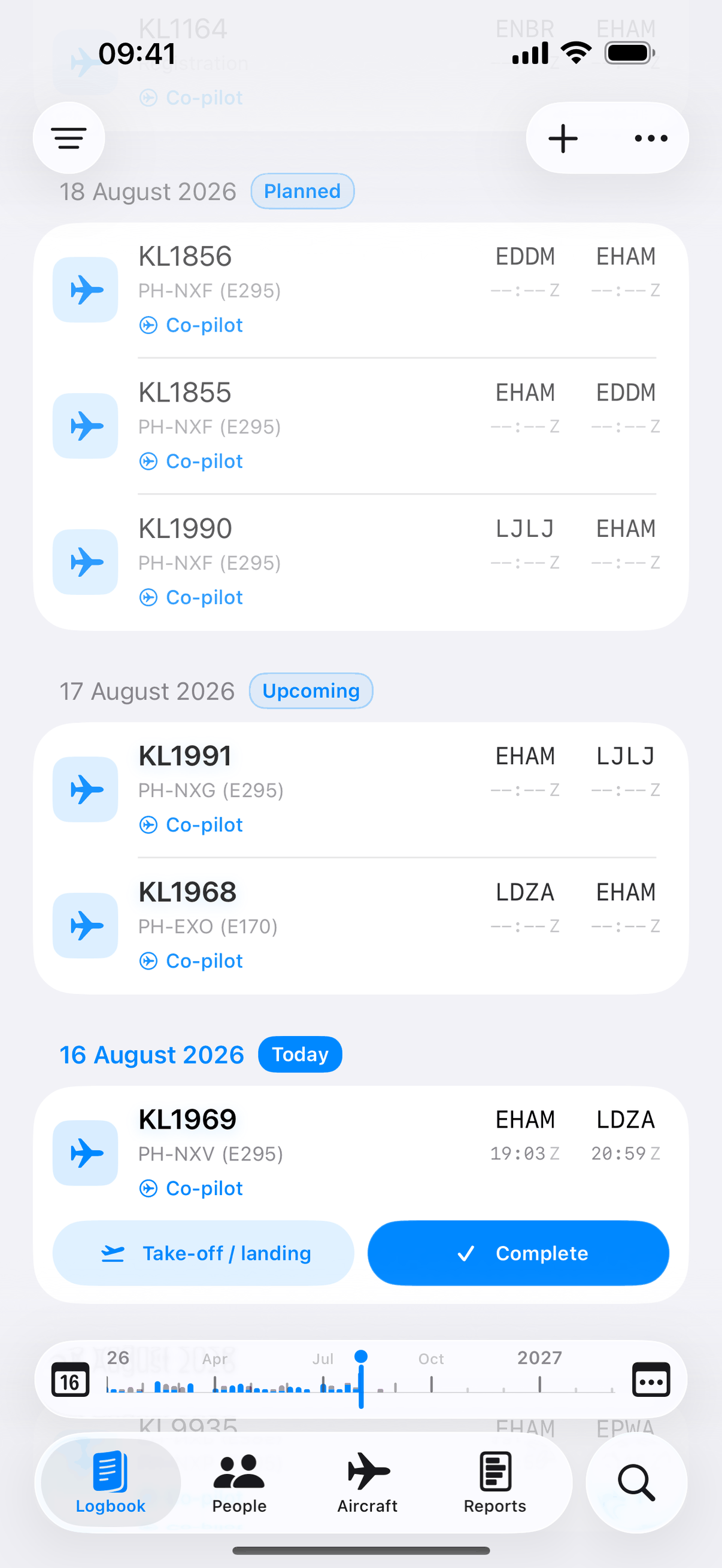
We fill in off-blocks, takeoff, touchdown and on-blocks live, for airlines we track. A lock-screen Live Activity follows the whole flight.
Supported airlines →
We fill in the times on your live-tracked flights as they happen. Scan paper logbooks with your camera, review what we found, then save. Every change reaches your other devices within moments.
We fill in off-blocks, takeoff, touchdown and on-blocks live, for airlines we track. A lock-screen Live Activity follows the whole flight.
Supported airlines →Log a flight on one device. It reaches your other devices within moments, over Jetlog's own sync.
See how sync works →Photograph old paper pages and we pull out the flights and the simulator sessions into a review screen. You approve it before anything saves.
How it works →Send a one-time link. Your captain or examiner opens it in any browser and signs, right from that link.
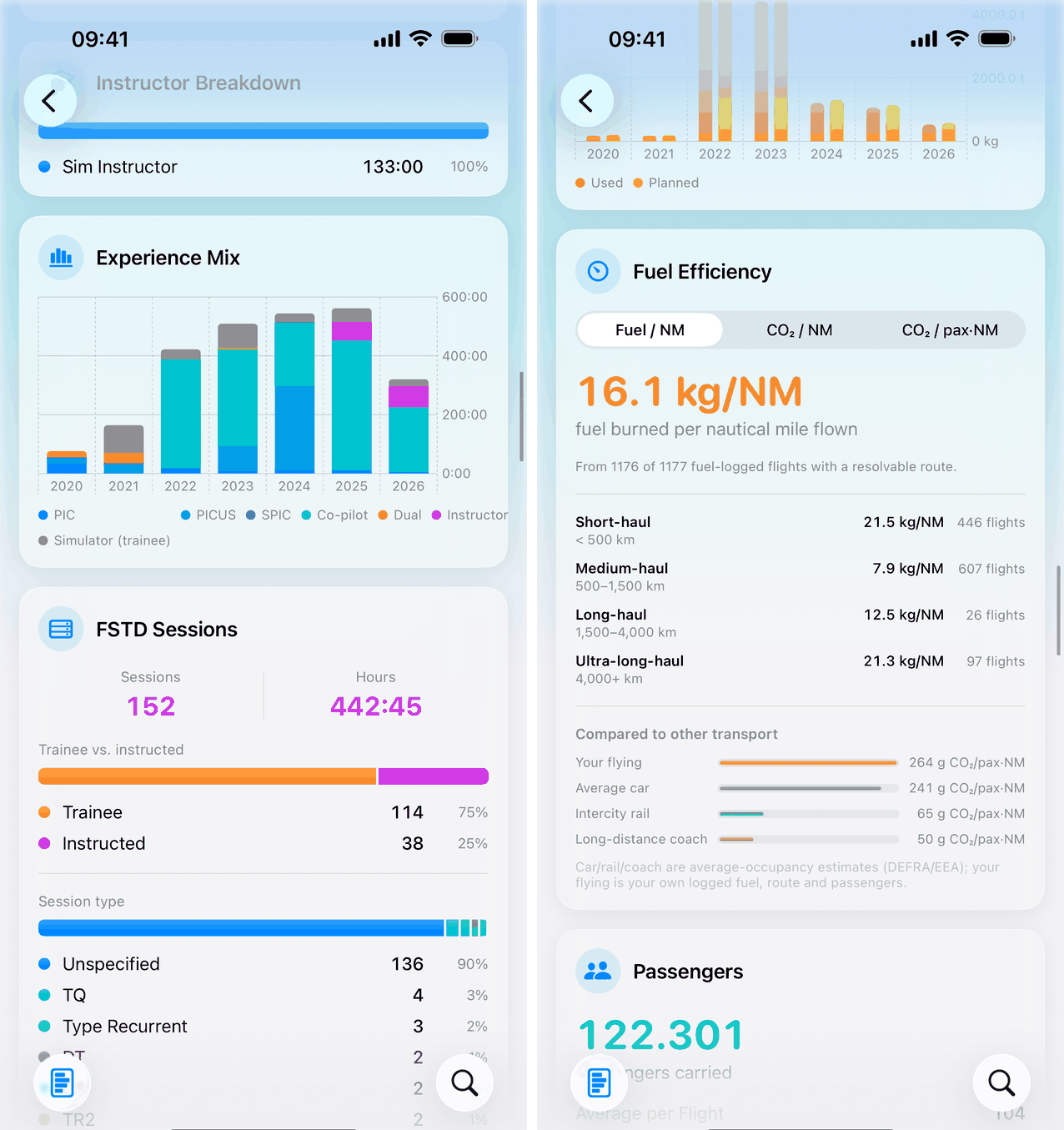
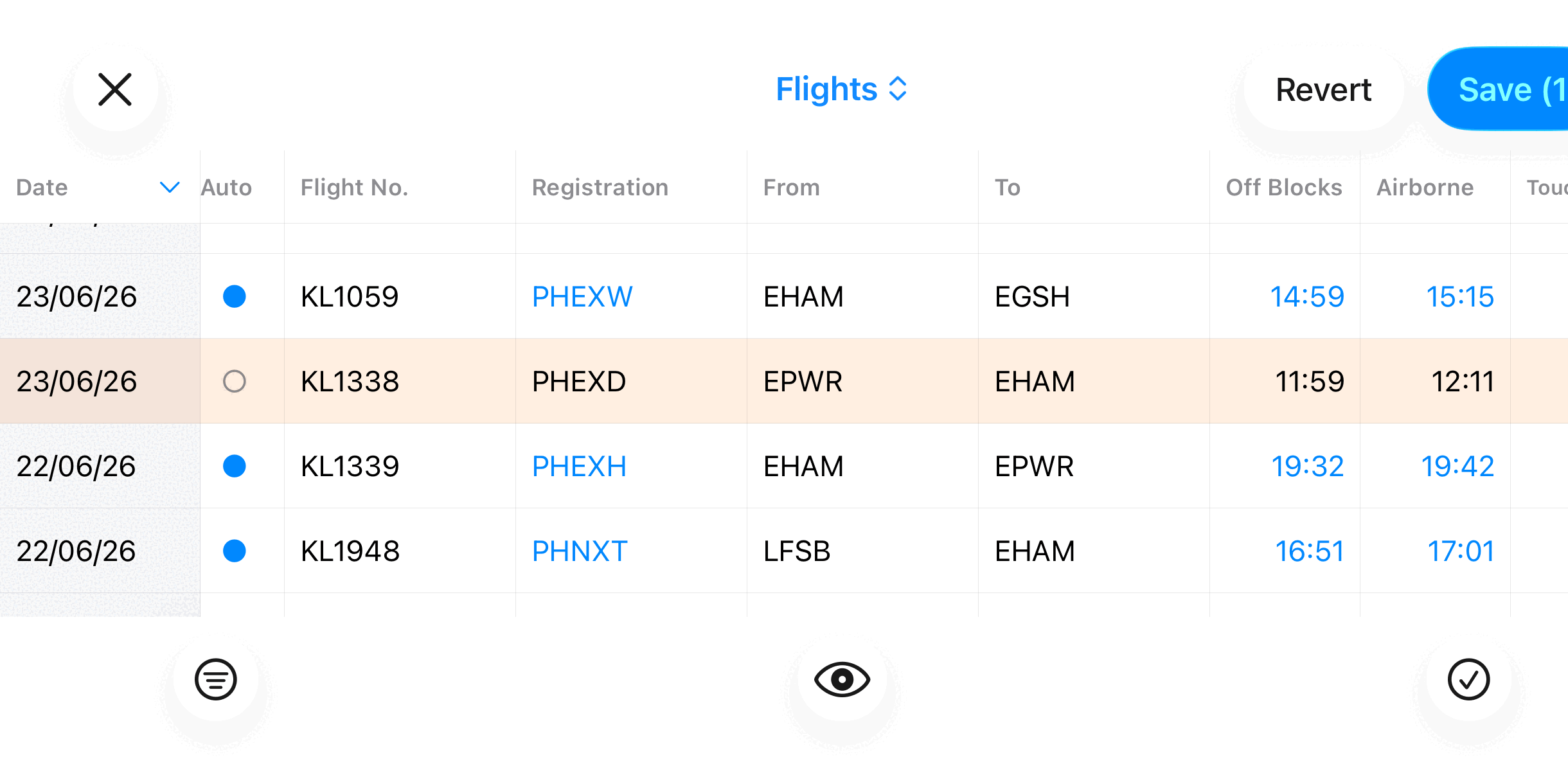
See the flow →A logbook that fills itself in, charts for everything from hours to fuel and CO₂, and a bulk editor for when you need to fix several entries at once.
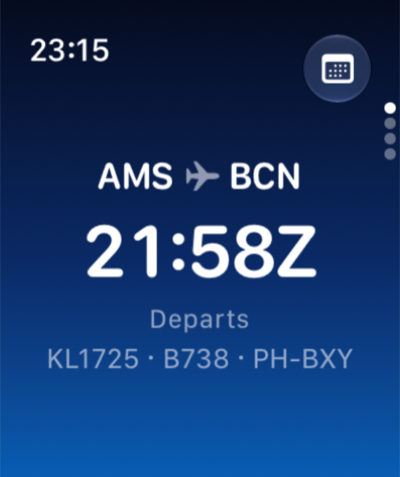
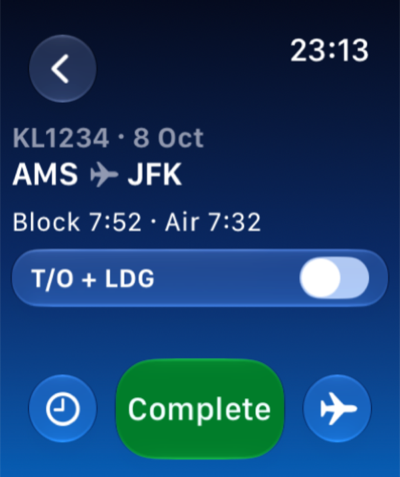
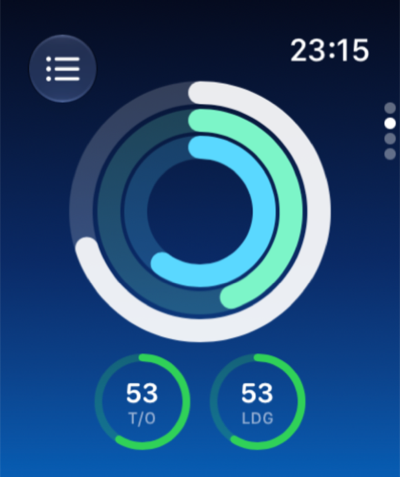
The Apple Watch app shows your next flight, your flight-time limits and a Complete button after landing. It's a companion to the iPhone app, so a flight you complete on the watch is saved through your iPhone. Apple Watch on the features page →
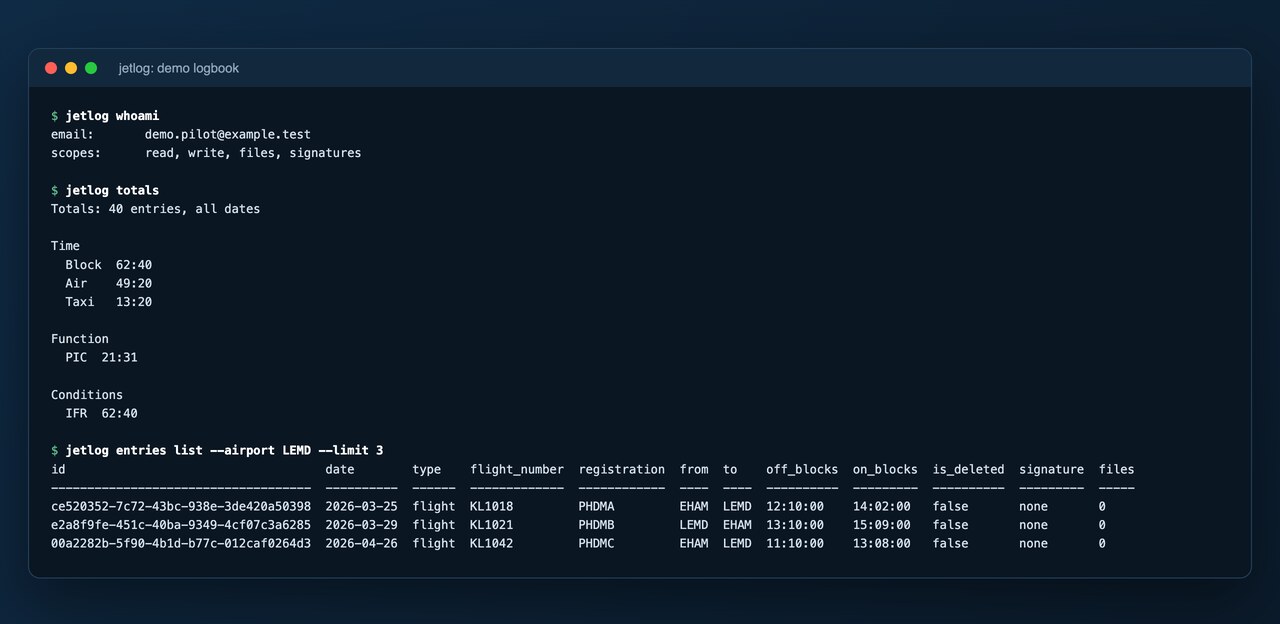
Connect Claude, or the Jetlog command line, to your own logbook. Ask for your totals, find a flight, or have a wrong registration fixed. A change is only a proposal: you see exactly what will change and confirm it before anything is written, and you can switch access off in the app at any time.
Import takes minutes. You review everything before it saves.

Everything free for 3 months, then €2.99/month or €29.99/year. Download Jetlog and fly. The times take care of themselves.