
Currency, medical and flight time limits
Check your take-off and landing currency, autoland currency, flight time limits and medical in Reports.
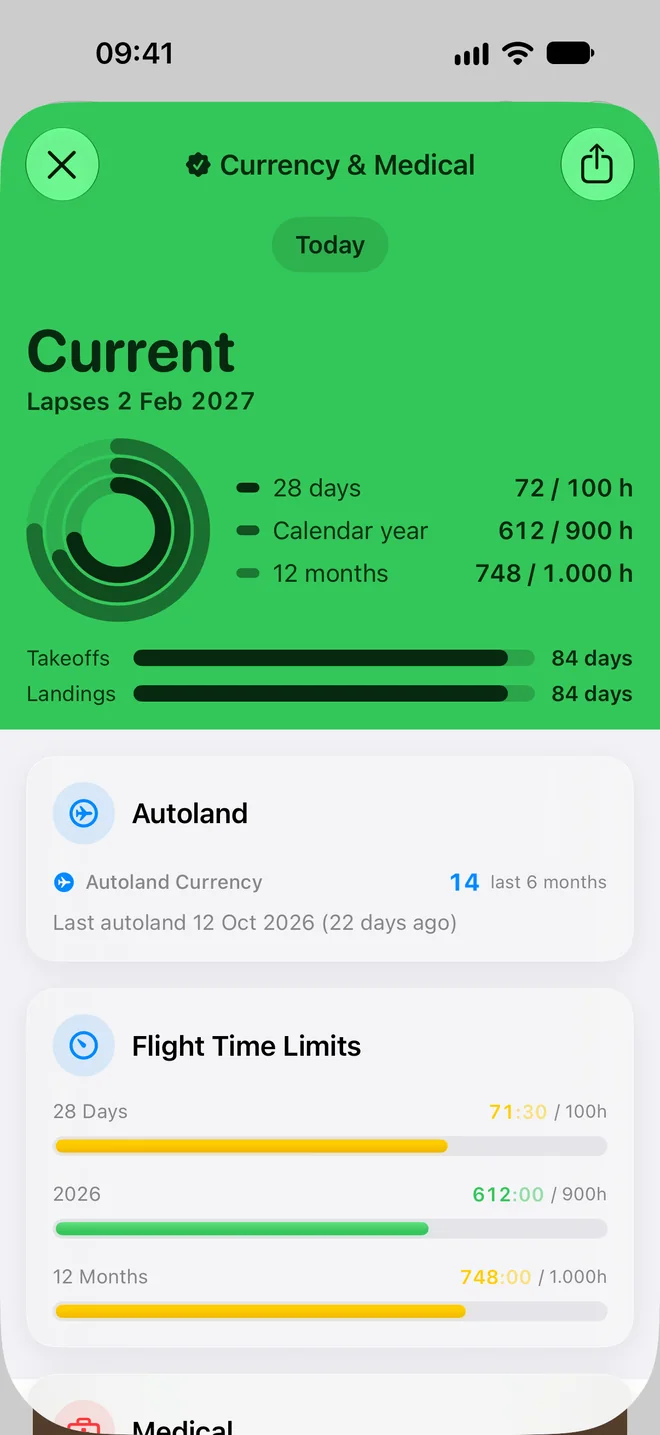
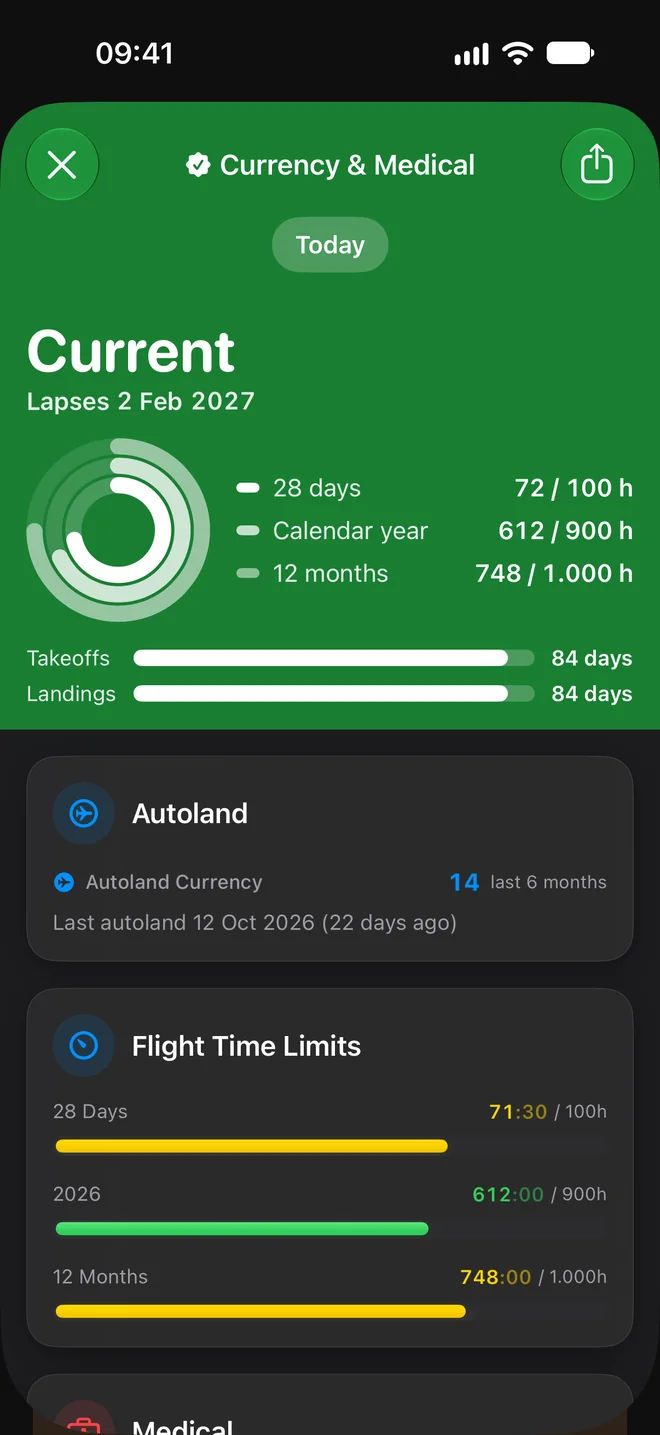
Open Reports and tap the Currency & Medical tile. It shows day currency, autolands, your flight time limits and your medical. It is a check against your own logbook, so it is only as good as the flights you have logged.
Take-off and landing currency #
T/O & Ldg Currency is met with 3 take-offs and 3 landings in the preceding 90 days (FCL.060(b)(1)). The card shows how many you have out of 3, the 90-day window, and the days left, or Expired.
Autoland currency #
The Autoland card counts autolands in the last 6 months. It shows Autoland Currency and the date of your last autoland with how many days ago it was.
Flight time limits #
Flight Time Limits compares your block time with the limits of ORO.FTL.210(b).
| Period | Limit |
|---|---|
| 28 Days | 100 hours |
| Current calendar year | 900 hours |
| 12 Months | 1000 hours |
A bar is green below 70% of the limit, yellow below 85%, orange below 95% and red above that.
Medical #
- Open Settings and tap Medical.
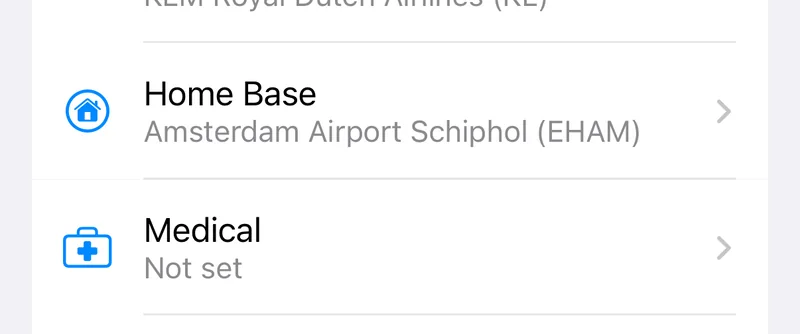
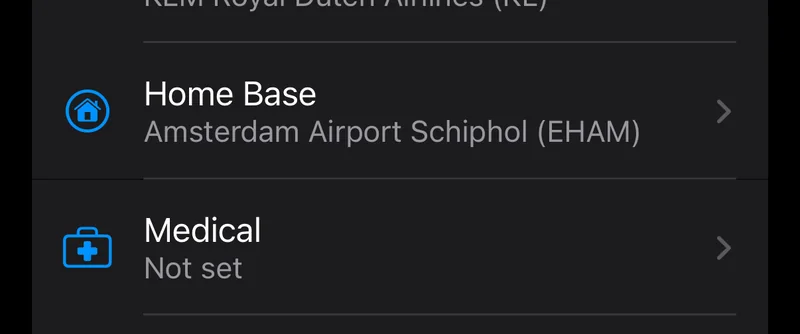
- Set the Date of examination of your current medical, and its Expiry date if you want the days left counted.
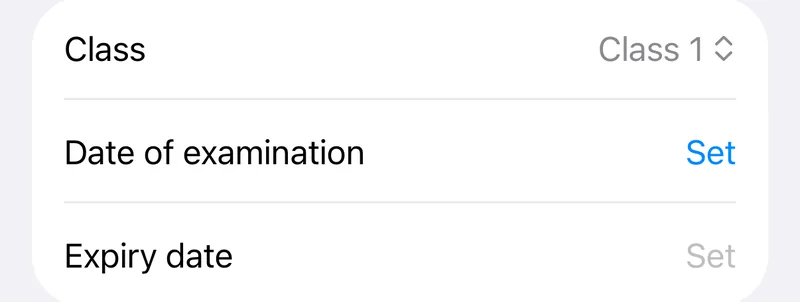
The Medical card then shows when you were examined, the block hours and flights since, and the days left before it expires, or Expired. Until you set a medical the card says No medical set and offers Set Medical.
Still stuck? Write to support and a pilot answers.