
Flight Passport and the map
Share your Flight Passport as an image, and play back your flights on the route map or globe.
The Flight Passport is a summary card of your flying for the period you have chosen. The map behind the Reports tab draws every route you have flown and can play them back in order.
Open and share your Flight Passport #
- Open Reports and tap the Passport tile.
- Tap Export.


- Choose Story (9:16, for stories) or Post (4:5, for feeds). Switch Photo on or off to show or hide your photo.
- Tap Share.
The card shows the period, your name, block hours, flights, distance, airports, aircraft types, landings, passengers, your longest flight, your most flown route and the countries you have visited. It follows the period chip and any filter you have set, and says so with "filtered". Jetlog remembers the size you picked last. The image is a PNG that goes through the normal iOS share sheet.
The share button on the Passport tile opens the same preview.
Play your flights on the map #
The Reports tab shows your routes on a map or globe. The bar at the bottom holds the playback controls.
- Tap play. Your flights play on the map in the order you flew them.
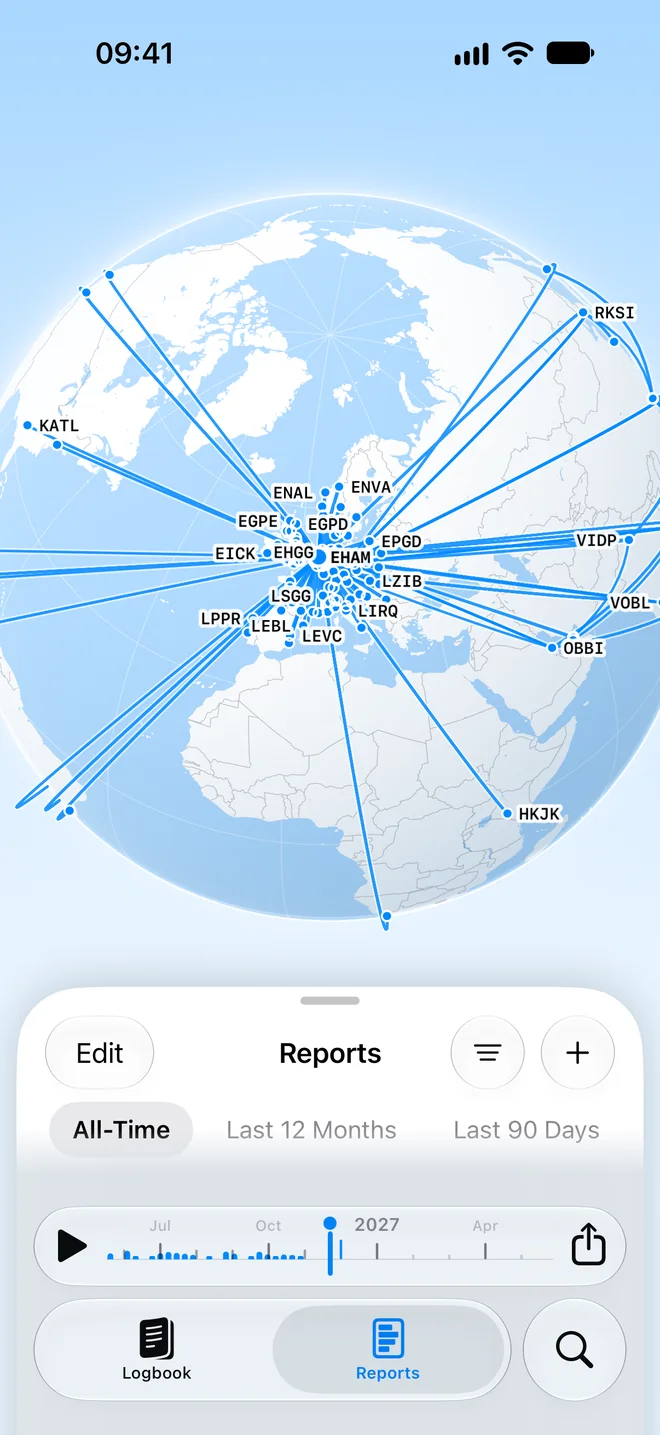
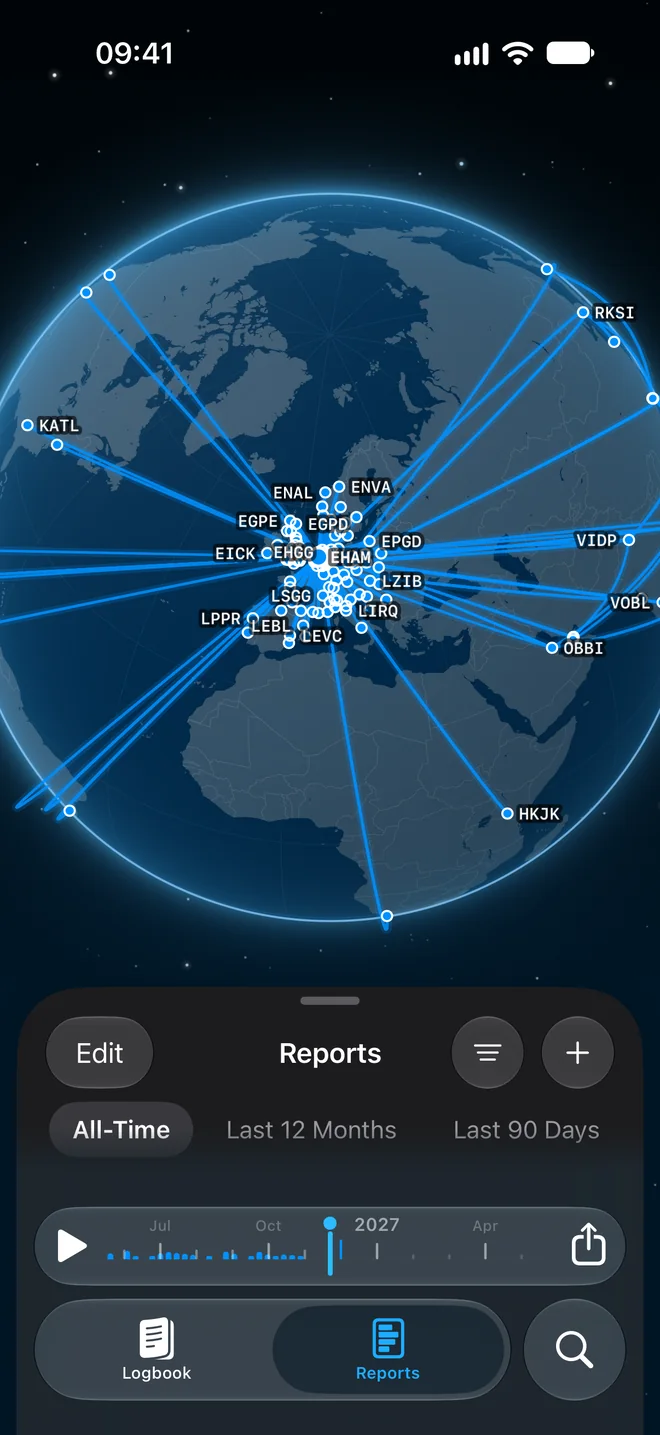
- Drag the date scrubber to jump to a date.
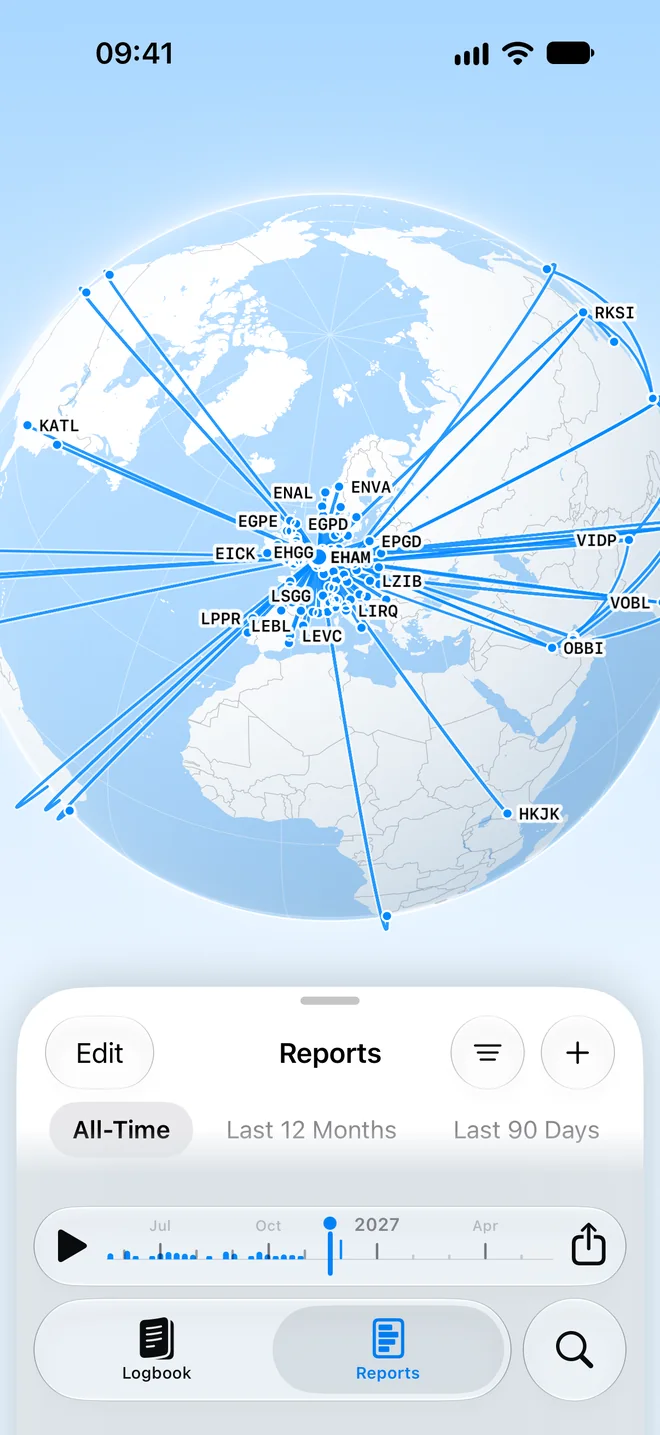
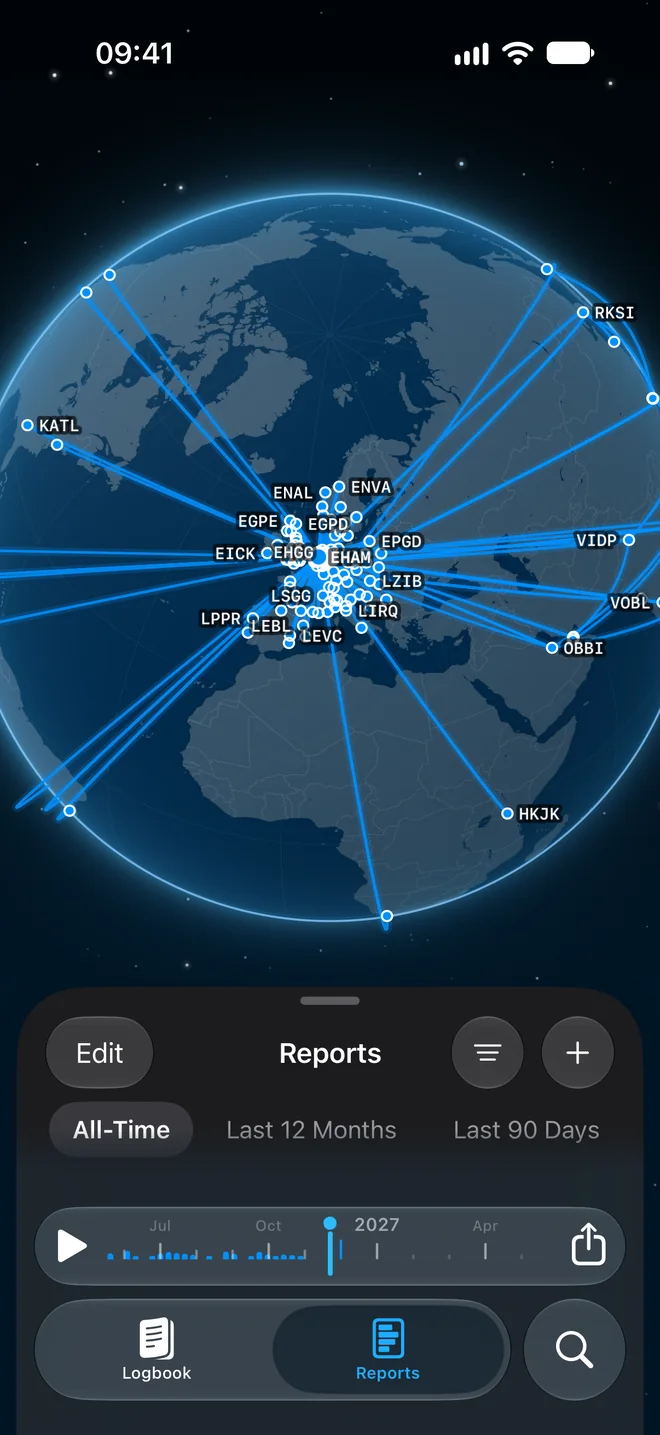
- Watch the counters for Flights, Airports and Nautical miles.
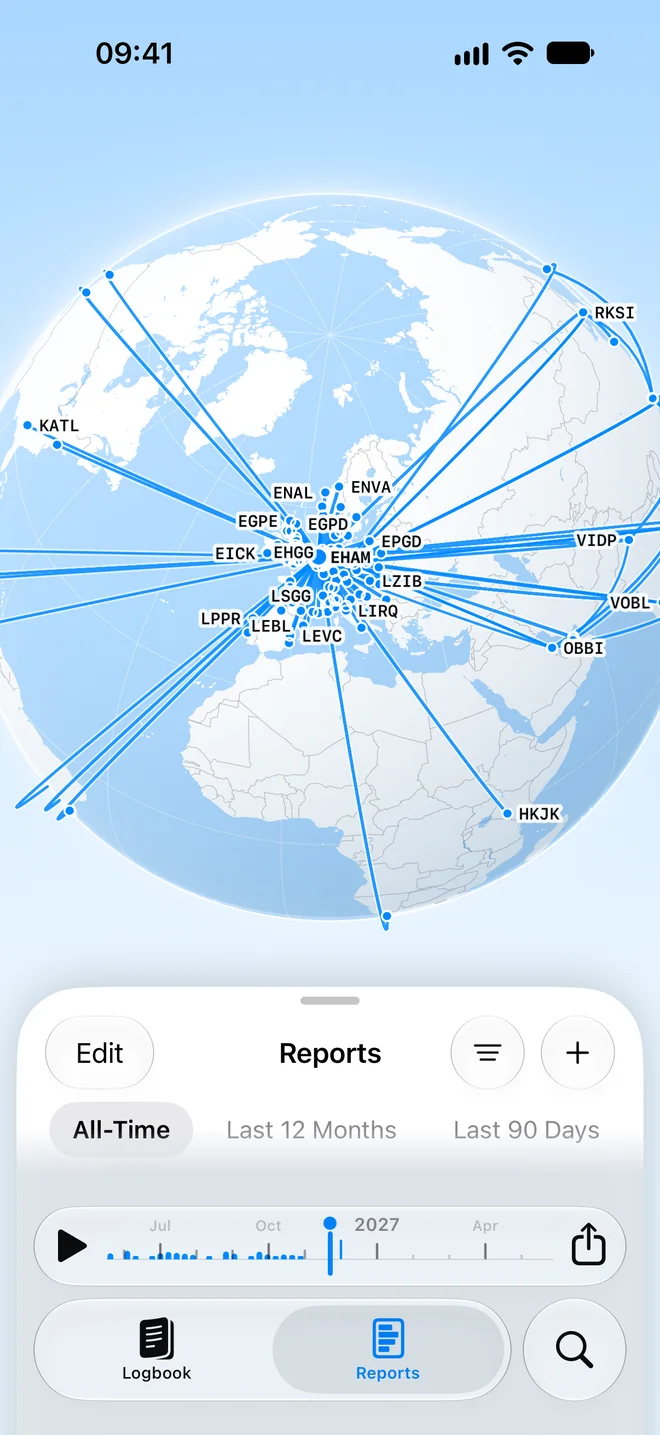
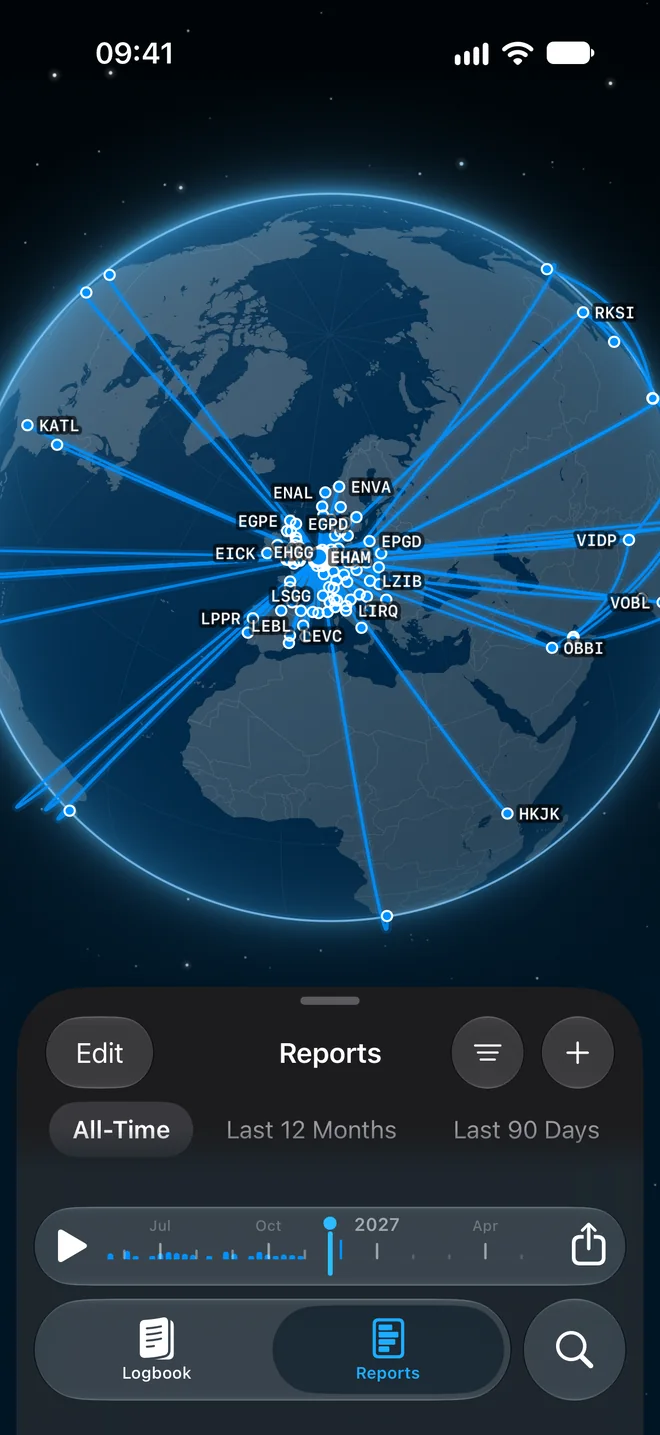
The map follows the period chip and filters, so choose a year first to see only that year.
Share the map #
The share menu in the playback bar offers:
- Share Image
- Print or Save PDF
- Export Movie in three sizes: Reels and TikTok (9:16), Feed and Reddit (4:5) and YouTube and Desktop (16:9)
- Flight Passport
Still stuck? Write to support and a pilot answers.