
Deleting your account
How to delete your Jetlog account, what happens during the 30 days, and how to cancel the deletion.
On this page
Deleting your account starts a 30 day grace period that you can cancel. After 30 days your logbook and everything connected to it is permanently erased. Export your logbook first, see Exporting your logbook.
Delete your account #
- Open Settings and tap Account.
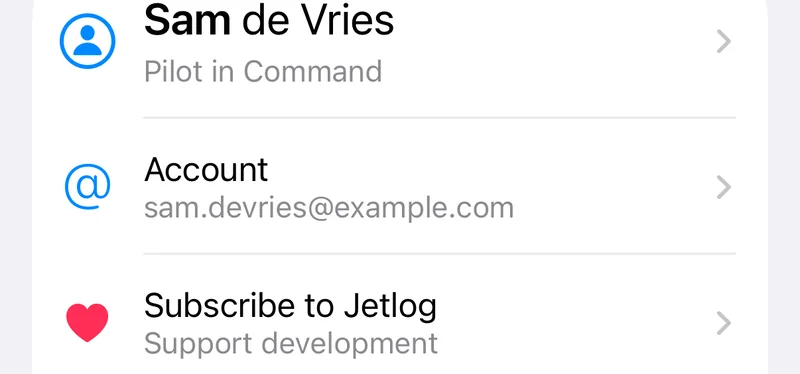

- Tap Delete Account.
- Read the alert and tap Delete Account again.
- Tap OK when it says Account Deletion Scheduled.
Jetlog signs this device out. Connected assistants and the command line tool are disconnected at once. If you have a subscription, cancel it in Apple's settings yourself, see Your subscription.
A deleted account cannot be restored after the 30 days.
Cancel the deletion #
- Sign in again within 30 days.
- Open Settings > Account.
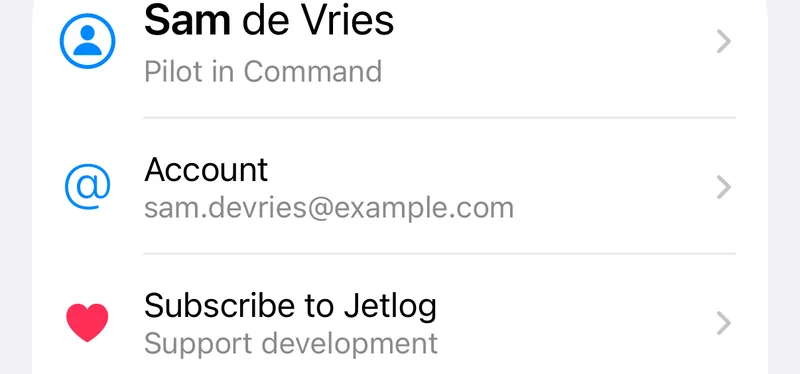

- Under Account Status, which says how many days are left, tap Cancel Deletion.
Your logbook is as you left it.
What is erased #
After 30 days all your entries, aircraft, people, simulator devices, places, scans, attachments and share links are erased. The Sign in with Apple link is revoked. See Your data and privacy.
Still stuck? Write to support and a pilot answers.