
What Jetlog does
Jetlog is a pilot logbook for iPhone and iPad. Where things are in the app and what to do first.
Jetlog is a pilot logbook for iPhone and iPad. Flights come in from your roster or are added by hand, and for tracked flights Jetlog fills in the times. It works out your hours and totals from that. See How automatic flight tracking works.
Jetlog is free to use until further notice. A subscription is optional and unlocks AI logbook scanning. See pricing.
Where things are #
The app has three tabs.
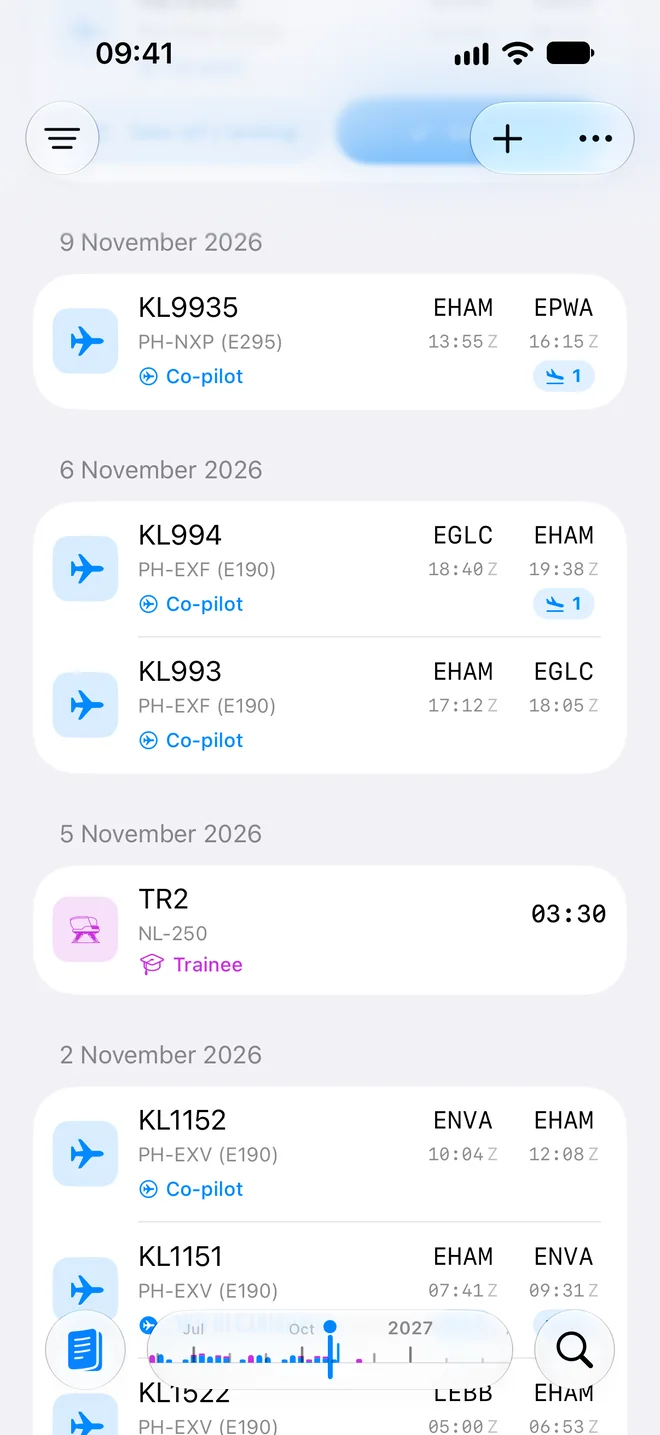
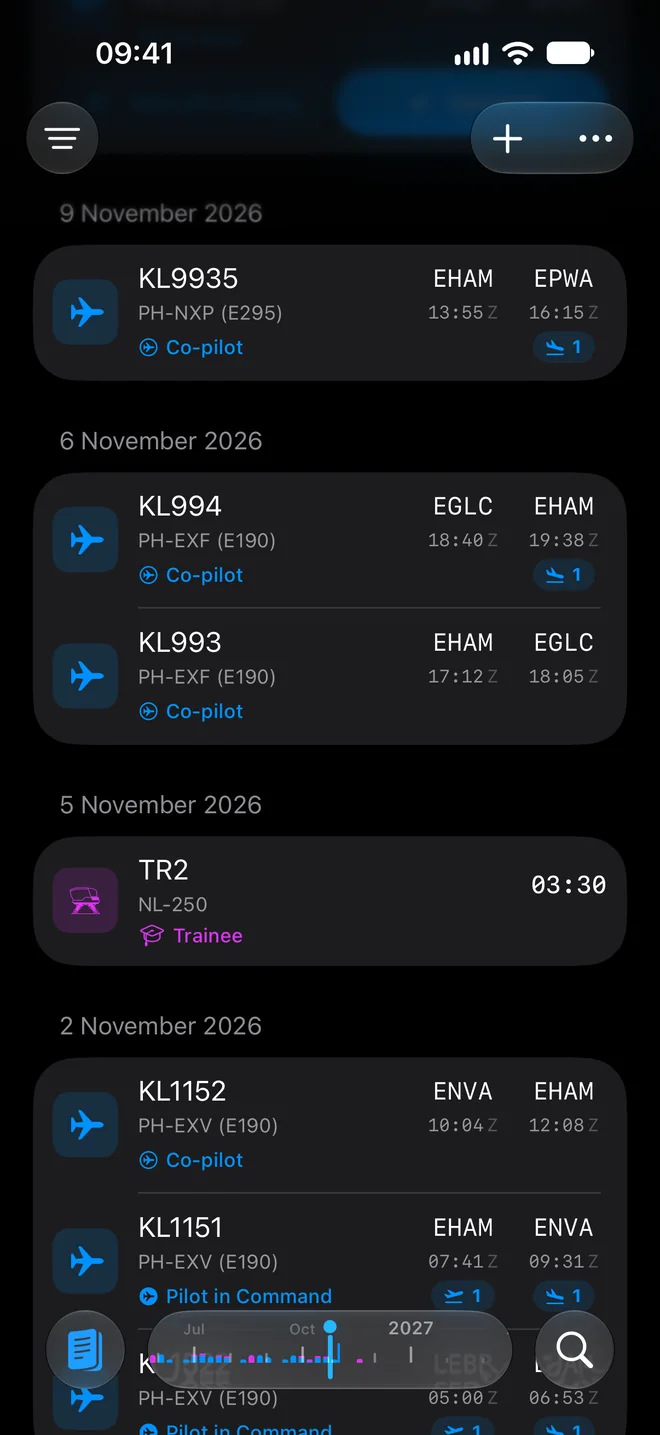
- Logbook lists your flights and sessions. A scrubber above the tab bar lets you drag through the months.
- Reports holds your totals, currency and the ATPL progress tracker. See Reports.
- Search finds flights, people, aircraft, airports and simulators across the whole logbook.
People, Aircraft and Places are not tabs. They are in Settings > Flying. To open Settings, tap the ⋯ button at the top right of the Logbook and choose Settings.
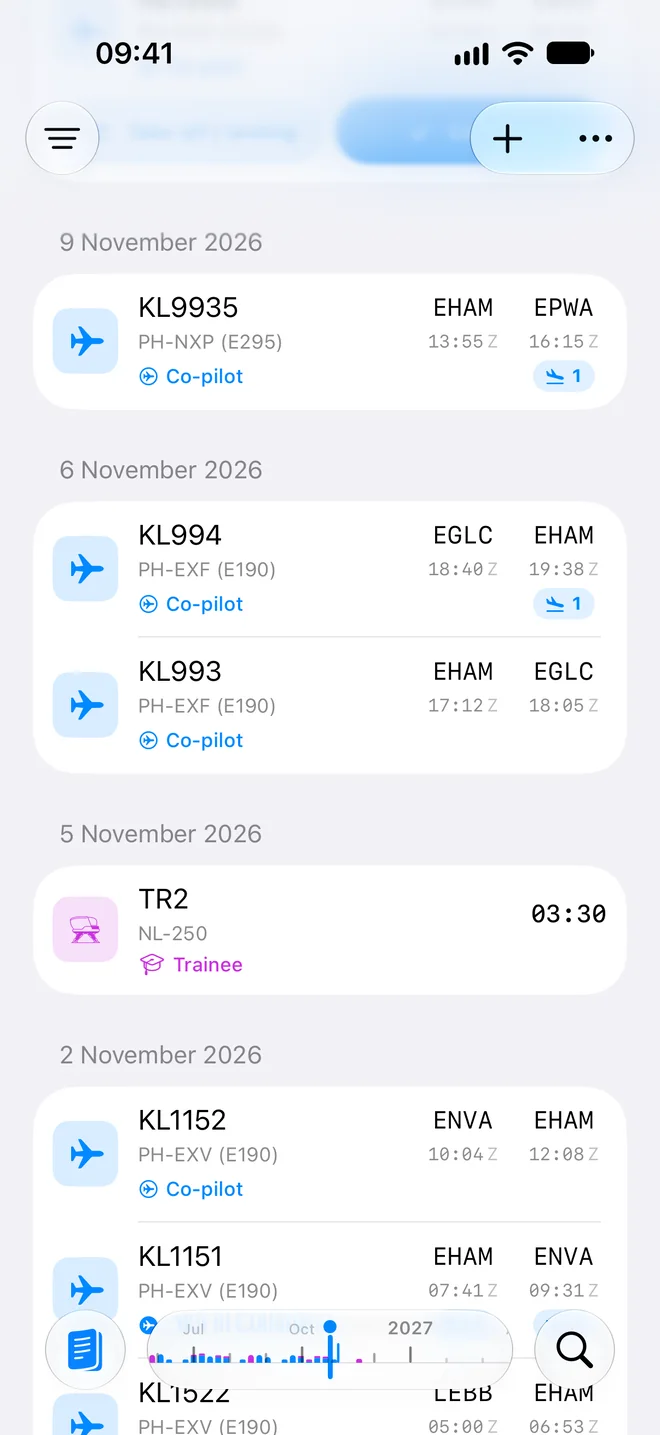
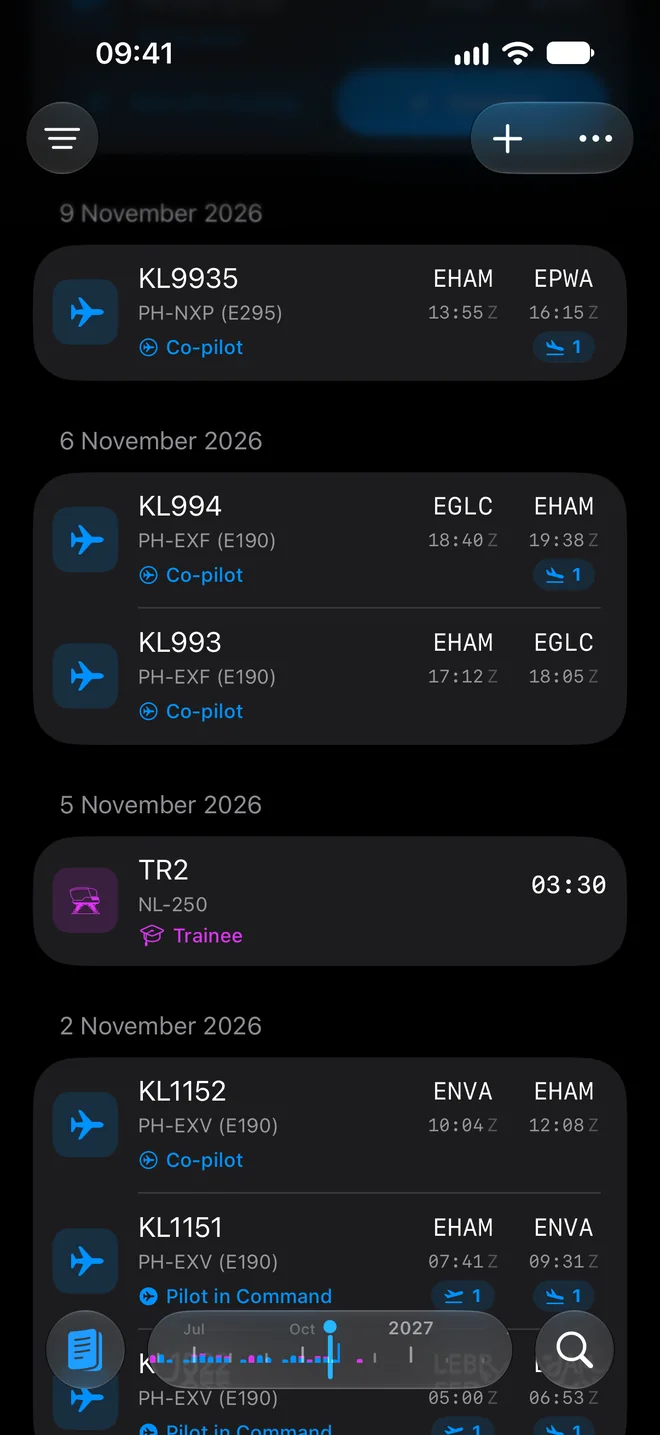
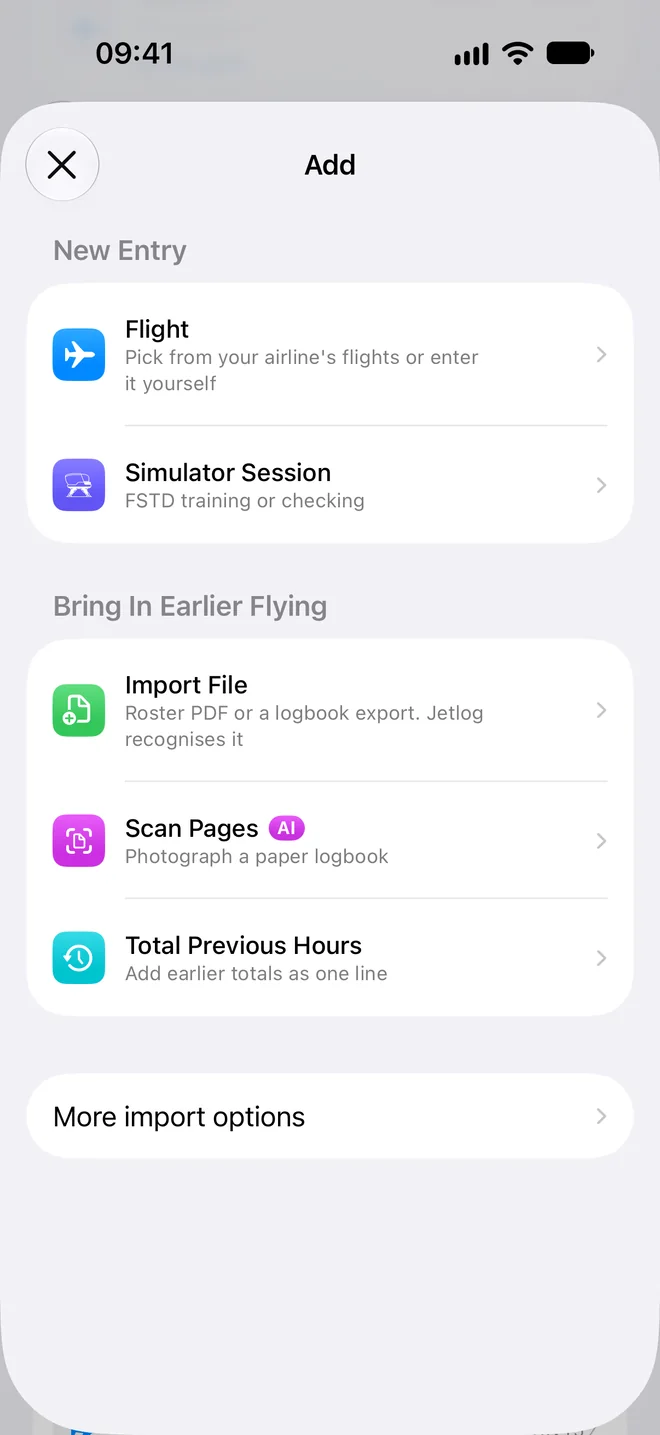
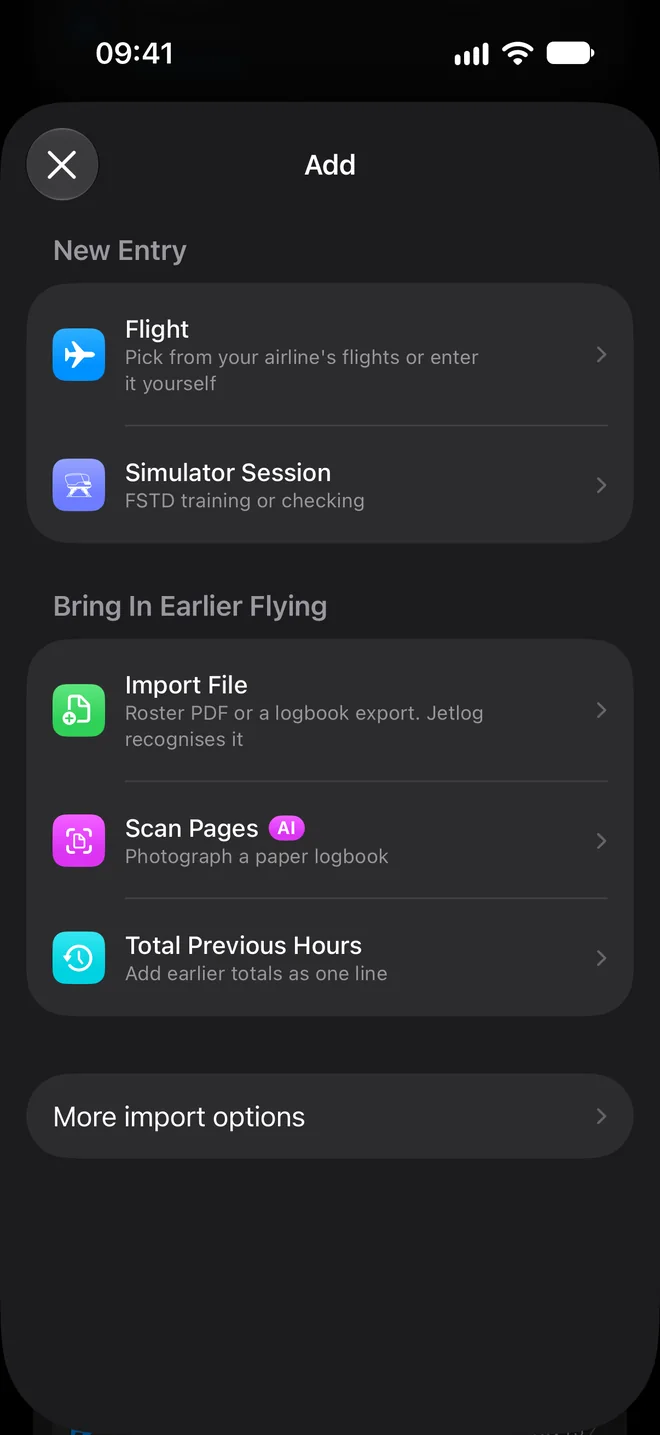
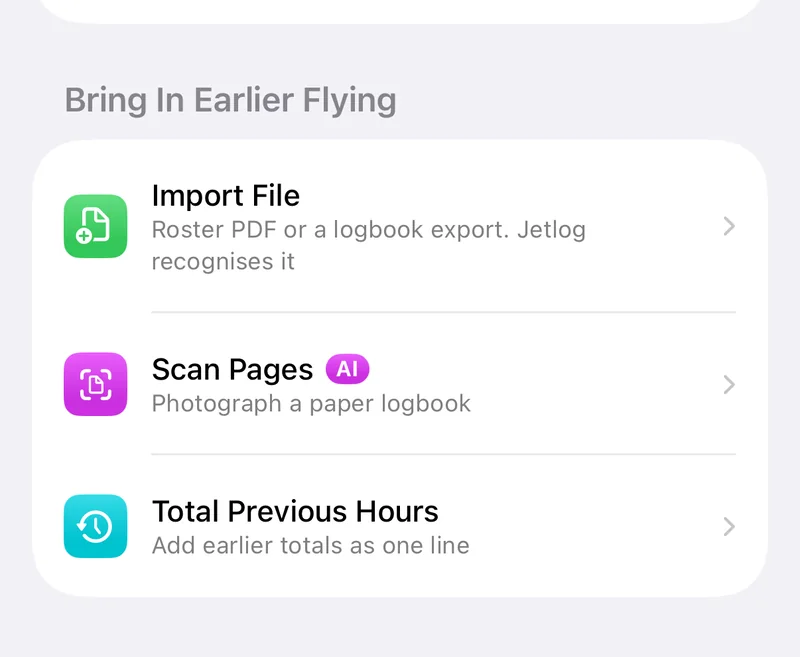
The + button next to ⋯ opens the Add sheet. It has Flight, Simulator Session, and under Bring In Earlier Flying the choices Import File, Scan Pages and Total Previous Hours. On iPad the + sits at the top left of the detail pane.
What to do first #
- Sign in. See Signing in.
- Answer the first-run questions: your name and default role, your airline, your home base and where your roster comes from. The default role is set as your role on every new flight.
- If you already have hours somewhere else, choose how to bring them in (see below). You can also skip this and do it later from + or Settings > Logbook > Import.
- Tap + and log a flight. See Logging a flight by hand.
Bringing in earlier flying #
| You have | Go to |
|---|---|
| A logbook in another app or a file | Importing from another logbook |
| Paper pages | Scanning a paper logbook |
| Only totals from before | Adding the hours you flew before Jetlog |
| A roster | Connecting your roster |
Where to look next #
Still stuck? Write to support and a pilot answers.